Unlocking Joy: 50% Off On WordPress Hosting Get It Now >>

Technical Service - Service Tracking System - CRM

Main Features

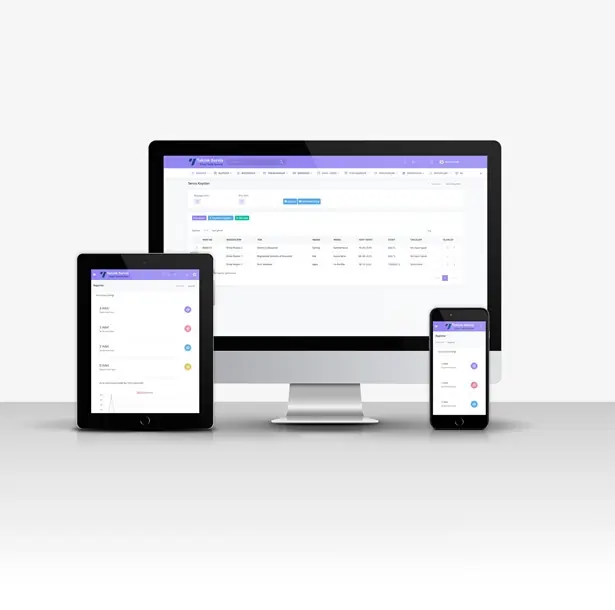
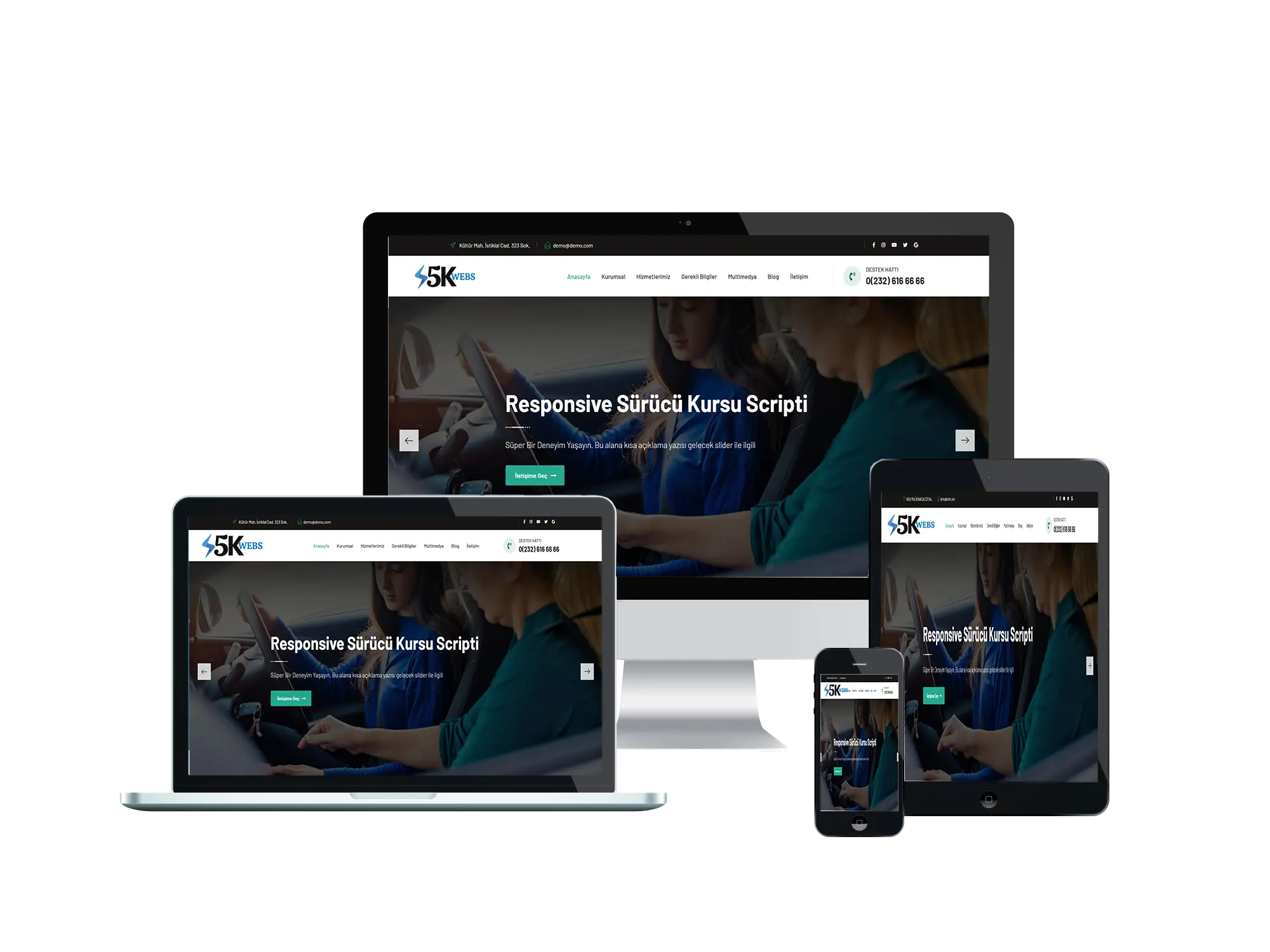
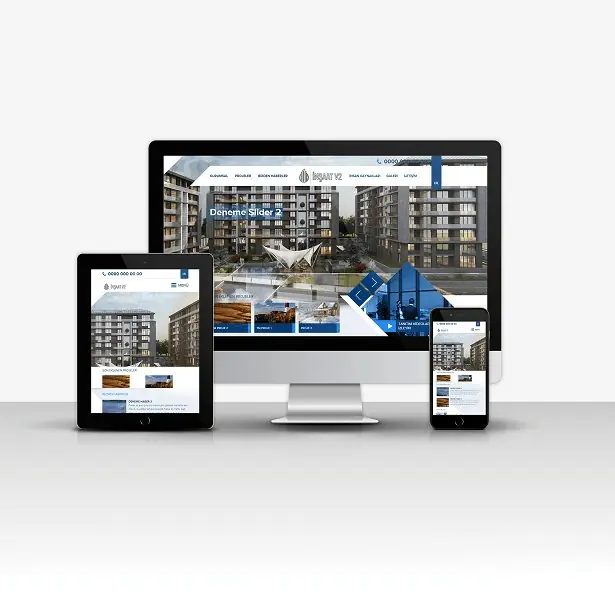
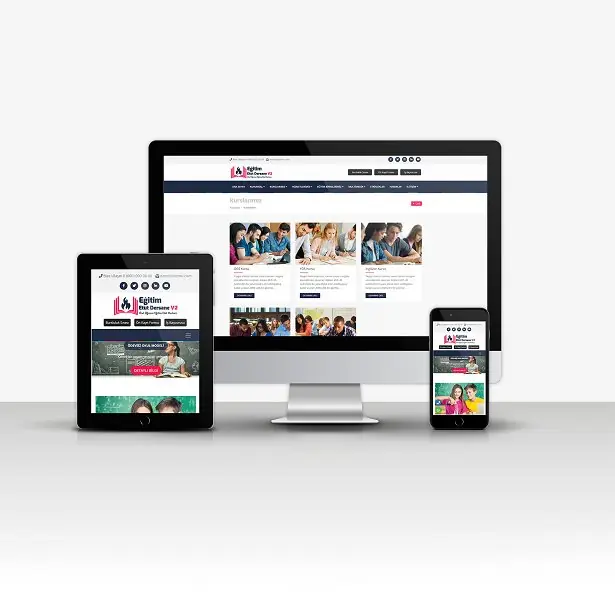
Responsive Mobile-Friendly Design

  • Flawless display on tablets and phones.
  • Unlimited color options.


Advanced Reporting Page

  • With the Advanced Report Page, you will be able to see how many service records were added each month, the status of those records, and the total number of service records and their processing stages, all from a single point.


Advanced Query Page

  • Thanks to the inquiry page, your customer can view all stages of the process and the status of their device using only the service registration number, without having to log into the system.


Income - Expenses

  • The Income-Expense module allows you to enter your income and expenses, and track how much you earned and spent day by day.


Database Backup

  • Thanks to the Database Backup System, you can create a database backup with a single click or automatically at any time and download it again from the Backups page.


Deletion Confirmation

  • When you want to delete data from the system, instead of deleting it directly, it first asks you for your approval before deleting it. You can cancel the deletion if you wish.


Multiple File Uploads

  • You can upload as many videos, pictures, and files as you want to your service record and download them again at any time.


Uploading Data with Excel

  • Thanks to the "Data Upload Process with Excel" feature, you can upload customers using Excel.


Appointment System

  • With the appointment system, you can add appointments and receive reminders for your appointment on the date and time you specify.


Bulk Email

  • The bulk email sending feature allows you to send bulk emails to all your users, all your groups, or selected customers at once.


Email Listing

  • Every email sent by the system is now logged; all emails, including reminders and announcements, are recorded.


Type / Category

  • You can add as many product types as you want, add brands according to type, group your products, and manage them more easily.


Brand

  • You can add as many brands as you want, add models according to brand, group your products, and manage them more easily.


Log System

  • Thanks to the log system, you will be able to see which user performed which action, edited, added, or deleted any transaction.


Things to do

  • With the To-Do module, you can note down your tasks. If you wish, you can add reminders for your notes and have them automatically sent via email on a specified date.


Special Notification

  • When a new announcement is published, you can access the details of the announcement through the notification you receive on the mobile application.


SMS

  • You can send SMS messages to the phone number you want from the panel when your reminder or task is due.


SMS Listing

  • Every SMS message sent by the system is recorded and you can check it at any time; emails are also recorded.


Customer Tracking

  • You can gather your customer information in one place by adding your customers to the system. You can also upload customer data using Excel if you wish.


Mail

  • You can send emails to your users, customers, or any email address you want in a very short time.


Reminder

  • You can set as many reminders as you want and have reminder emails sent to you on the date and time you specify.


Stock

  • You can add products from the inventory section, track your inventory, and see how many products you have sold, as well as the total number of products.


Note Taking

  • The note-taking section allows you to jot down important information and securely review your notes whenever you want.


User

  • You can add users to your system, assign tasks to your projects and orders, and optionally send automatic emails when a new task is assigned.


Announcements

  • You can send announcements to your users. If you wish, you can automatically send the announcement you added to all your users via email.


Export

  • You can export your records, income, expenses, etc. in "Excel-PDF-CSV-Copy" formats with a single click.


Groups

  • You can create new groups, add customers to these groups, and gather all your customers under one roof.


Settings

  • You can easily change your site settings in seconds from the admin panel.


Other Features

  • You can define company information, site title, keywords, and site description in the settings.
  • You can change the theme color from the settings section.
  • You can change email settings from the settings section.
  • You can change SMS settings from the settings section.

Installation Instructions

SETUP;

  1. Upload your files to your FTP server.
  2. Create a new database from your hosting panel.
  3. Import the 'scriptadi.sql' file found in the installation files into the database you created.
  4. You can activate your website by entering your database information in the system/baglan.php file.

IMPORTANT;

  • Our software requires a minimum PHP version of 7.2.
  • Your server must have the latest IONCUBE installed.
  • Contact forms will not work if you do not enter your SMTP information.

ADMIN LOGIN INFORMATION  (Standard);

  • Admin Panel: www.siteadi.com/panel

Admin Authorized User Login Information
Username: admin@admin.com
Password: demo

Subordinate Authorized User Login Information
Username: kullanici@hotmail.com
Password: 123456


- Ioncube 10.xx or higher.
- PHP 7.2 or higher.
- Apache Mod_Rewrite
. Linux / cPanel recommended.

License Option
Quality checked by 5KWebs
Full Documentation
Future updates
24/7 Support

Published:

Jan 07, 2026 15:06 PM

PHP Version:

v7.2

Category:

High Resolution:

Yes

Frameworks: